Step 1 / 5

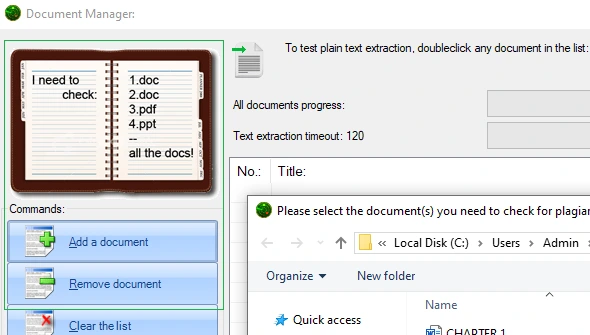
This exact window allows to add and remove document to be later checked for plagiarism. This functionality also includes a Text Extraction test tool and some additional TE settings

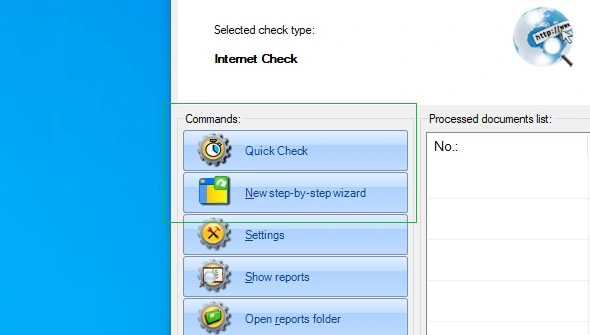
Plagiarism Detector has two convenient starting points: the first - to quick check using defaults and the second - a detailed Step-by-Step wizard with explanations and hints
Three guided steps - add your documents, choose what to detect, pick the check type - and the check starts. It can open at every start-up.
Pick a folder, and every document copied into it is checked automatically with the analysis type you chose.
A Plagiarism Detector tab in the Office ribbon: check the open document with one click.
'Run plagiarism check' in the Windows Explorer menu of any supported file.
Step 2 / 5

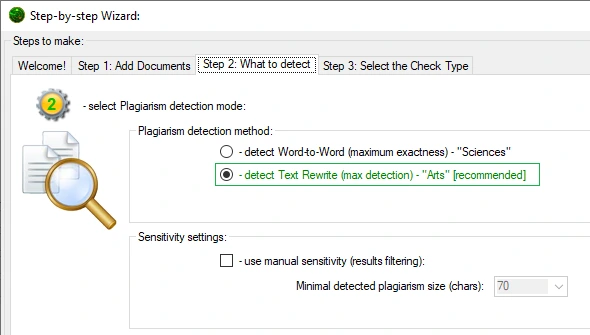
This text comparison preset allows for a 'Lax Matching' - it is ideal to check for a suspected Text Rewrite. This preset works best for 'Arts' texts and documents alike

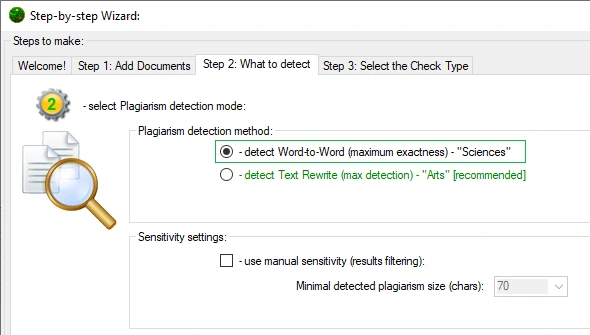
It is also called 'exact sciences' preset - it allows Plagiarism Detector Text Comparison Engine to exactly match source with suspected copies, thus minimizing false positives

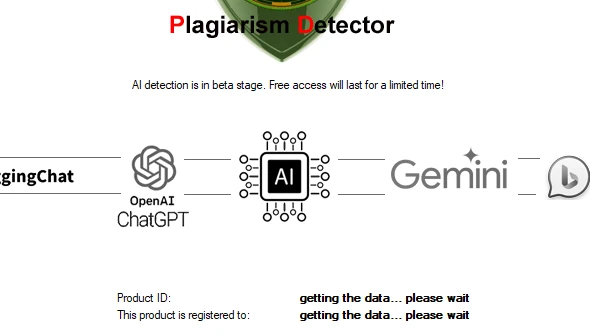
Plagiarism Detector has recently added our latest development - an AI detection engine that allows to detect a number of AIs: Chat GPT, Google Gemini, Hugging Chat and Bing Bard

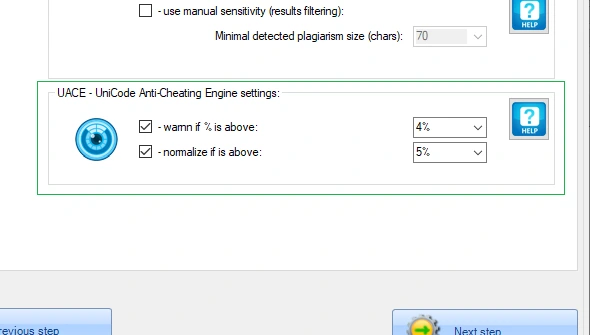
UACE - stands for 'Unicode Anti-Cheating Engine'. This module does analytics to detect most commonly used cheating strategy that replaces Unicode symbols with 'alike' alternatives
Quoted text and URL references are recognised and reported separately, so properly cited text is not counted as plagiarism.
Set the minimal plagiarism section length, the merge distance and your own alert threshold %.
The language of every document is detected automatically.
Step 3 / 5

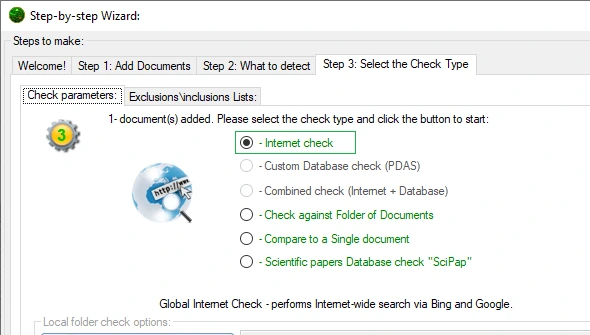
This is a standard - largest scope search for Plagiarism in the world wide web. Plagiarism Detector uses Google, Bing and Yahoo as its global search results providers. Over 4 billion sources are searched for copies!

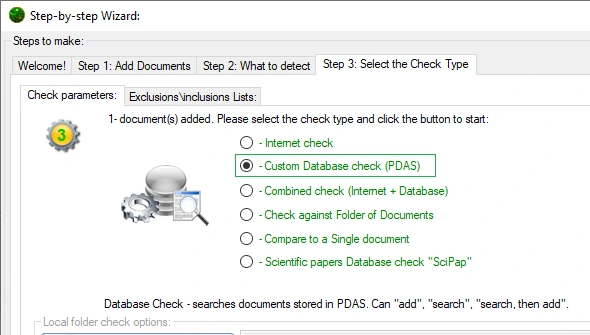
Plagiarism Detector Accumulator Server - your own database of documents to run Plagiarism Checks. You can easily add or remove documents from this Database. It works as a LAN accessed Server with multiple clients

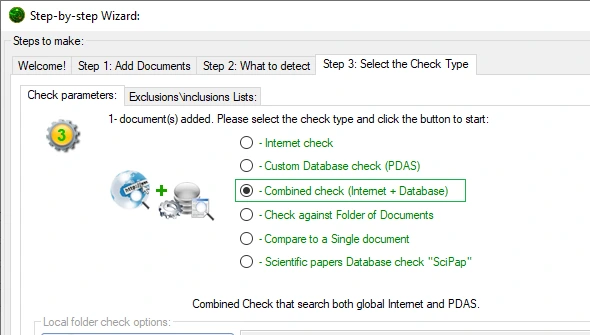
This comprises both previous search scopes - this setting allows Plagiarism Detector to check all the provided sources - global Internet and your custom Database. This is the most complete Plagiarism search

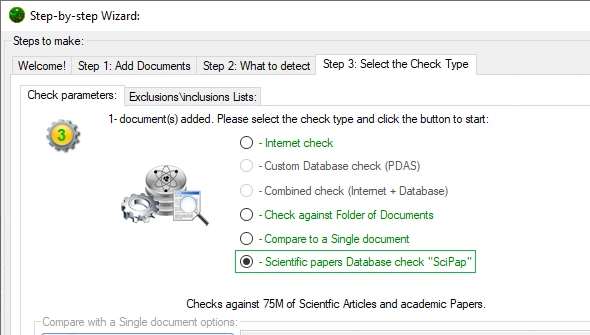
SciPap - stands for 'Scientific Papers Database', this exact Database was compiled by your web crawling harvester - an analytical search engine that crawls Internet for Scientific Papers

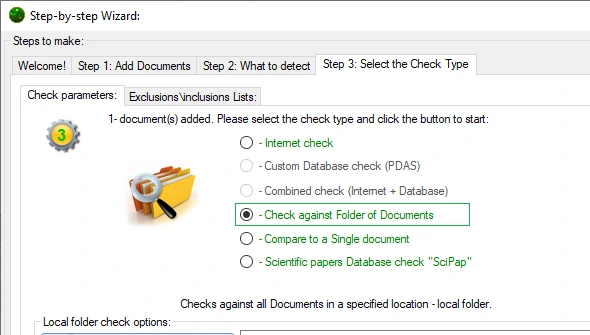
This allows to run a Plagiarism Check against a folder of Documents. This does not require any previous indexing, but is significantly slower than PDAS Database checks

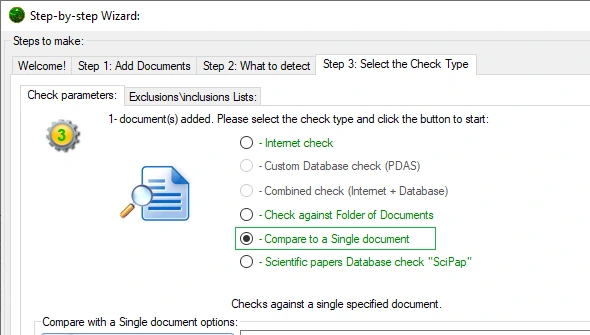
This allows you to run a Check on a pair of documents. You just select the source Document and then use this exact option to select the other Document. This is a pair-wise check

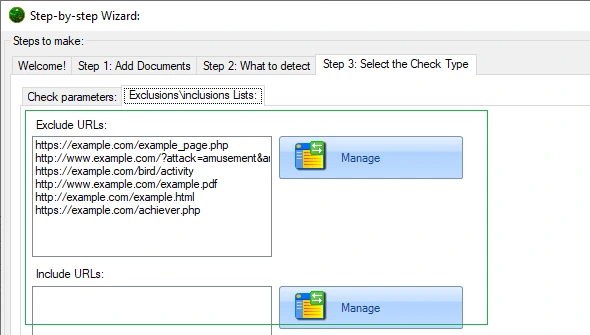
Sometime you need to avoid checking against a specific resource of a document to avoid false positive results or do just the opposite - to force Plagiarism Detector check a specific page
No Internet? Check against your own PDAS server on the local network; it is detected automatically.
Step 4 / 5

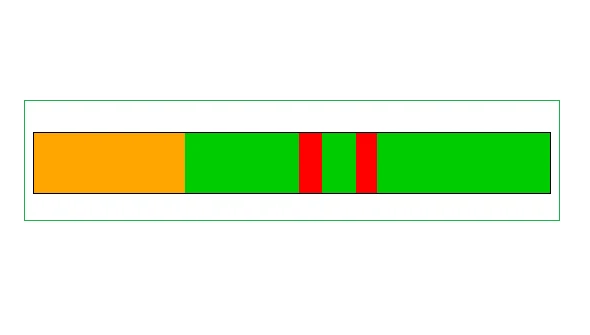
This colorful bar will display all the detected and marked parts of the document in a horizontal or vertical manner - thus giving a view on the location of the detected sub-parts

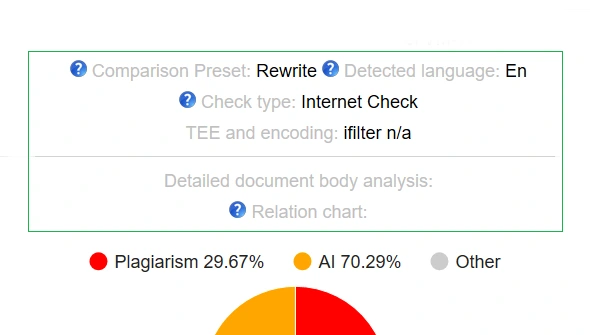
Every Originality Report has a header that contains the most important information about each checked document. It is pretty straightforward and simple key-value information block

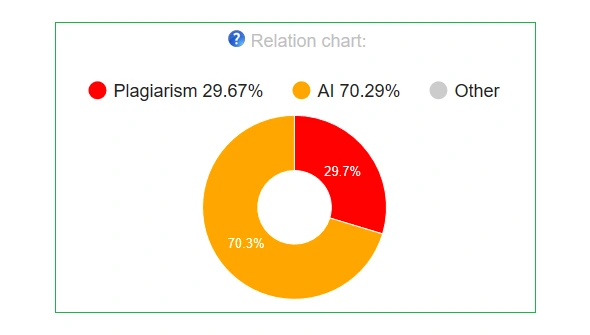
In any generated Originality Report you can find an 'Originality Report Relations Pie Chart' that clearly shows difference between AI generated, Plagiarized, Original and Quoted parts
Your passage and the matched source passage next to each other, section by section, with similar words, characters and similarity % for every section.
A word-level diff of two matched sections: every difference numbered, with options to ignore case and punctuation.
CS1 - text matched in fragments of 5+ words, CS2 - in fragments of 25+ words, CIT - text marked as quoted or cited.
A report block that flags matches from Wikipedia, Google Books and known ghostwriting services.
Step 5 / 5

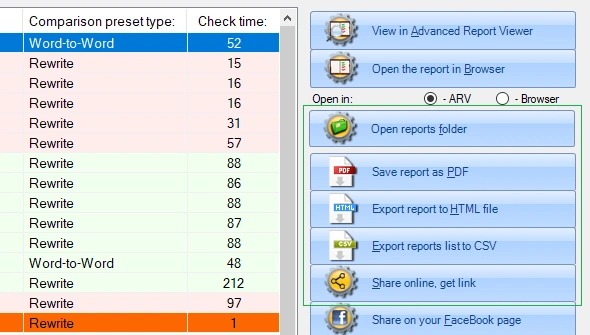
At times you may need to export an Originality Report to a more convenient format - PDF\CSV\HTML etc. This is just the functionality to use! A summary report can also be generated

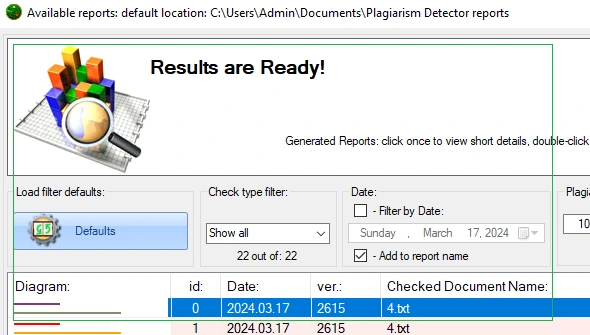
Built-in Originality Report Manager allow easy navigation, view, filtering, assessment and manipulation of the generated Originality Reports. Backups and Online Sharing
Upload a report and get a private link anyone holding it can open; the shared copy is deleted automatically after 24 hours.
Plagiarism Detector identifies all major forms of plagiarism including direct copy-paste, paraphrased content, mosaic plagiarism, and AI-generated text. It uses five search engines (Google, Bing, Yahoo, DuckDuckGo, and the PDAS academic database) to scan over 4 billion online sources. The built-in UACE Anti-Cheating Engine specifically targets character substitution tricks that students use to fool basic checkers.
Yes. Plagiarism Detector includes a built-in AI Content Detector that identifies text generated by ChatGPT, GPT-4, Claude, Gemini, and other large language models. The AI detection runs alongside plagiarism checks in a single scan, so you get both results without needing a separate tool or additional cost.
Plagiarism Detector supports over 12 document formats including DOC, DOCX, PDF, TXT, RTF, ODT, HTML, PPT, and PPTX. You can also check content directly from Microsoft Word and PowerPoint using the built-in add-ins, or batch-process entire folders of mixed file types using the Folder Watch feature.
Yes. The Document Pair Comparison feature allows you to check two specific files against each other for matching content. This works entirely offline without an Internet connection and supports all 12+ file formats. It is useful for teachers comparing student submissions or editors verifying original drafts against final versions.
Plagiarism Detector generates detailed Originality Reports that include a plagiarism percentage score, highlighted matching passages, clickable source URLs, an interactive similarity graph, and a color-coded document header summary. Reports can be exported as PDF files for archiving, sharing, or attaching to academic records.